Affiliate disclosure: As an Amazon Associate, GadgetWiseReviews earns from qualifying purchases. Prices and availability can change; check the current listing before ordering.
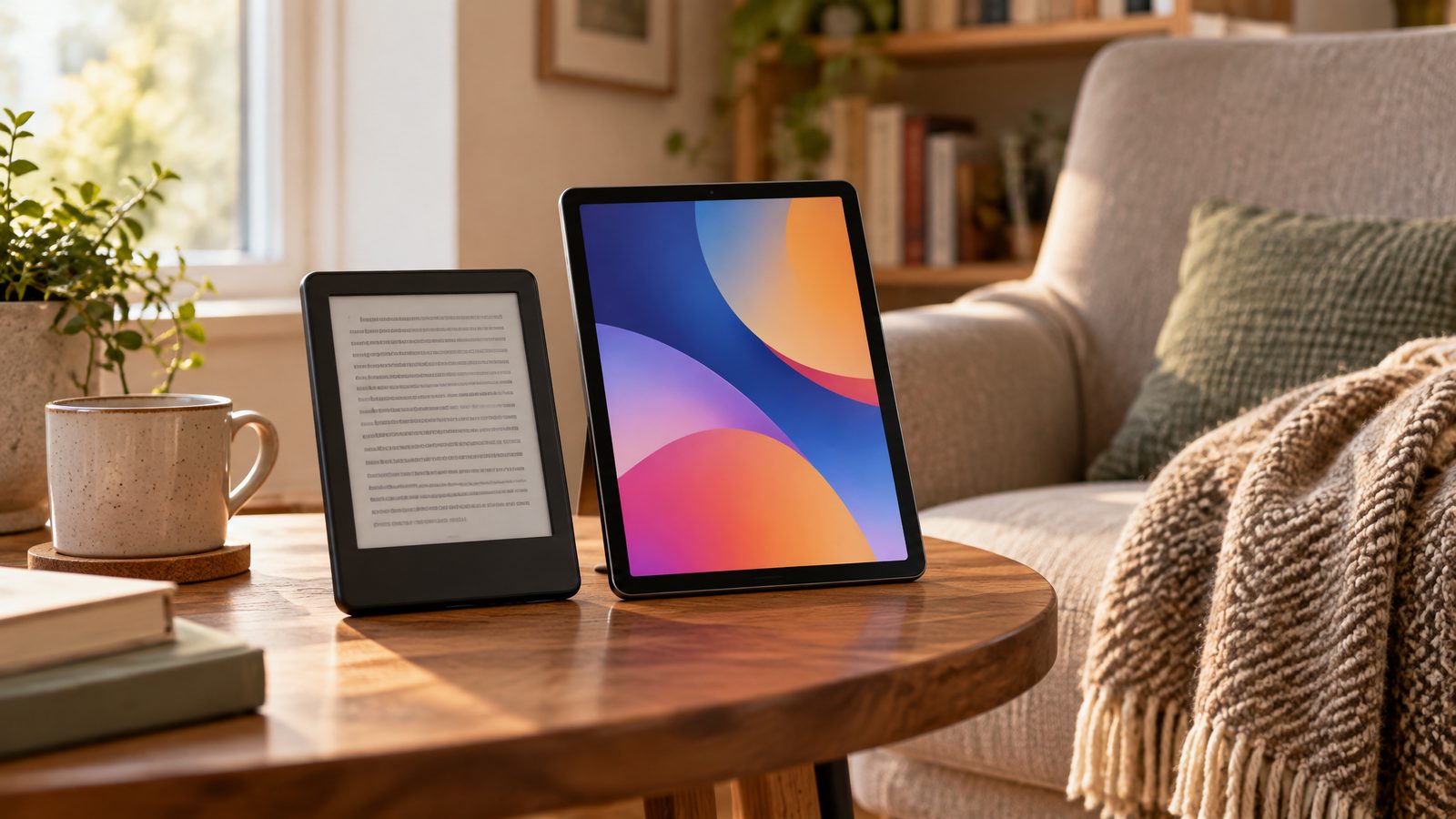
An e-reader and a tablet can both display a book, but they solve different problems. One makes reading the main event; the other puts reading beside video, apps, messages, and work. Before buying either, decide whether you want a dedicated place to read or a portable screen that handles several jobs.
The short answer
Choose an e-reader if most of your reading is novels or other text-heavy books and you want fewer interruptions. Choose a tablet if you regularly switch between books, illustrated material, browser tabs, video, and note-taking apps. If your current phone or tablet already handles your reading comfortably, try changing its settings before buying another device.
| Your main activity | Start with | Check before buying |
|---|---|---|
| Long sessions with novels | E-reader | Bookstore and file compatibility |
| Comics and illustrated textbooks | Tablet | Screen size and comfortable weight |
| Fixed-layout PDFs and research | Tablet | Zoom, annotation, and app support |
| Reading without notifications | E-reader | Whether its library supports your books |
1. Start with the books you already own
Your library matters more than a feature checklist. List where you buy or borrow books, then check those services on the exact device you are considering. Owning an ebook does not guarantee that it can be opened on every reader: file formats and copy protection can limit transfers.
Library borrowing also varies by country, library, and platform. Check your library's own instructions rather than assuming a borrowing service works everywhere. On tablets, verify that the reading app you need is available in that device's app store. A familiar store name on the box is not a substitute for checking your actual titles.
2. Match the display to the page
Text that can resize and reflow is a natural fit for a compact e-reader. Fixed-layout documents are less forgiving: shrinking an entire textbook page can leave diagrams and labels too small. A larger tablet may make those pages easier to navigate, although a bigger device is also heavier to hold.
Do not assume a color e-reader behaves like a tablet screen. Color presentation and page refresh are different, and suitability depends on what you read. If comics are your main use, look at sample pages on the exact model before deciding. For mostly prose with occasional illustrations, color may be a pleasant extra rather than a necessity.
3. Think about where and how you read
A dedicated reader removes many temptations, but it cannot create a reading habit by itself. Try a quiet reading slot with notifications disabled on your existing device. If you still keep opening other apps, separating reading from your general-purpose screen may be worth paying for.
For commuting or reading in bed, consider the device with its case attached. Grip, button placement, and one-handed use can matter more than a small difference in screen size. If you read near water, verify the exact model's water-resistance guidance; a case does not automatically make a device waterproof.
4. Budget for the complete setup
Include a case, any required charger, and subscriptions you actually intend to use. A note-taking tablet may also need a compatible stylus or keyboard, neither of which should be assumed to come in the box. Check accessory compatibility against the precise generation, not just the product family.
An e-reader can be the more focused purchase even when it is not the cheapest. A tablet can offer better value if it genuinely replaces another screen. Avoid paying for a second device solely because its feature list is longer.
Models to investigate
The Kindle Paperwhite Signature Edition and Kobo Libra Colour are starting points for dedicated reading. The iPad Air M2 and Fire HD 8 represent different tablet options. These links are a shortlist, not a claim that the devices have identical capabilities or that older models are the best current deal. Compare the exact generation, condition, app access, and seller warranty.
Kindle Paperwhite Signature Edition
Read our Kindle Paperwhite Signature Edition review
Kobo Libra Colour
Read our Kobo Libra Colour review
Apple iPad Air M2
Read our Apple iPad Air M2 review
Amazon Fire HD 8 Tablet
Read our Amazon Fire HD 8 Tablet review
The bottom line
Buy an e-reader to make reading simpler; buy a tablet when you need more than reading. Check your book access first, screen comfort second, and optional features last. The right choice is the one that fits the pages you already read, not the reading routine you hope a gadget will magically create.
Editorial category comparison, not a new hands-on test. Hero image is an original AI-generated illustration of product categories, not an exact model photograph.
You Might Also Like
Related Reviews


Get our free weekly deals roundup
Hand-picked tech deals, price-drop alerts, and buying guides — every week. No spam, unsubscribe anytime.