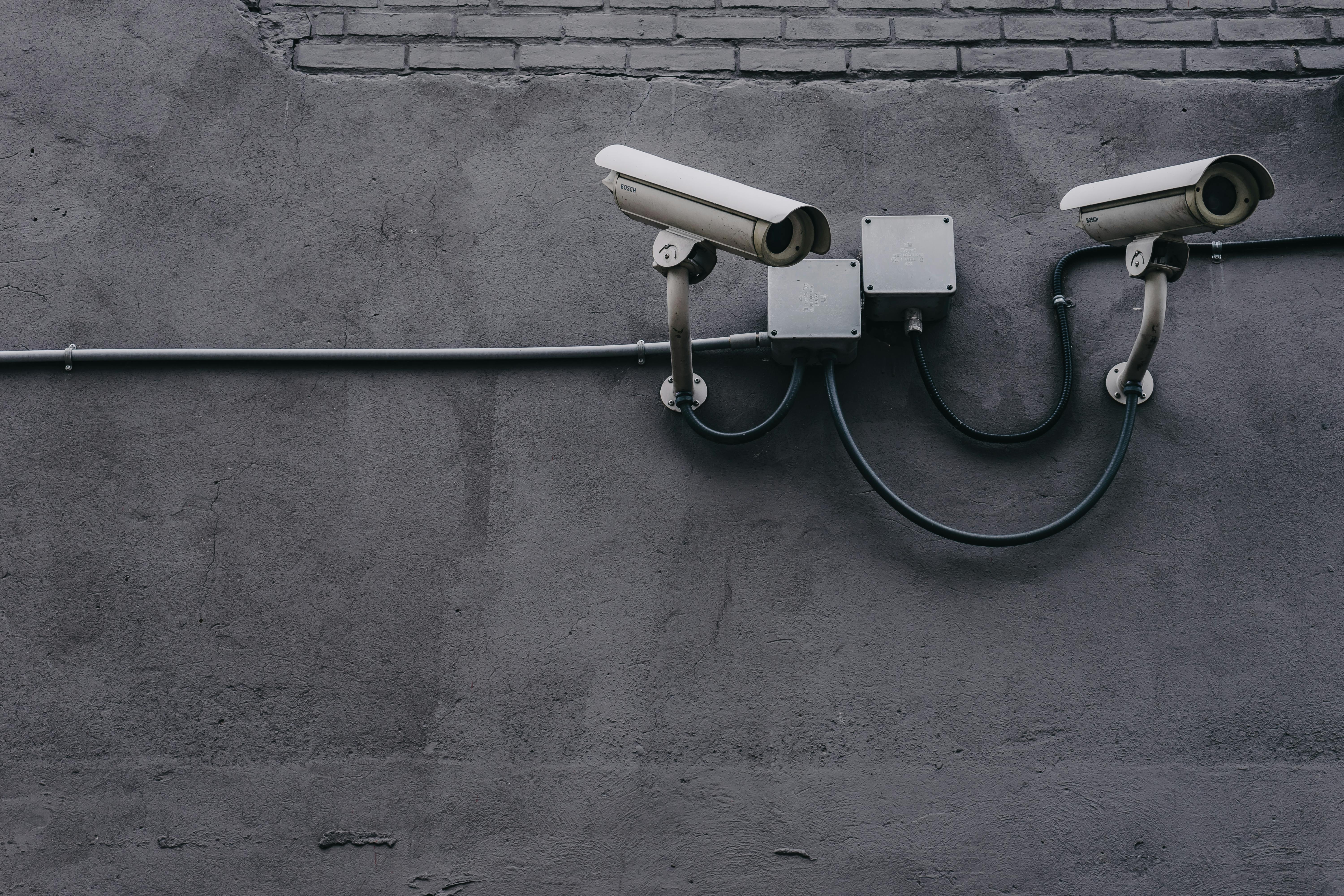
Home security cameras provide peace of mind whether you're at work, on vacation, or just in another room. With options ranging from $30 budget cameras to $300 premium systems, there's a solution for every home and budget. This guide helps you navigate the choices and find the perfect security setup.
Ring vs Arlo: The Big Two Compared
Ring (owned by Amazon) and Arlo are the two dominant players in home security cameras. Here's how they compare:
| Feature | Ring | Arlo |
|---|---|---|
| Best resolution | 2K (1536p) | 4K |
| Smart home | Alexa only | Alexa, Google, HomeKit |
| Subscription (1 cam) | $4.99/mo | $7.99/mo |
| Subscription (all cams) | $12.99/mo | $17.99/mo |
| Local storage | No | Yes (some models) |
| AI detection | Basic | Advanced |
Our Top Picks
Best Budget Indoor Camera: Ring Indoor Cam Plus ($59.99)
The Ring Indoor Cam Plus offers excellent value with 2K video, color night vision, and seamless Alexa integration. The built-in privacy cover addresses security concerns with a physical solution.
Pros: Affordable, sharp video, easy setup, privacy cover
Cons: Requires subscription for recording, Alexa ecosystem only
Read our full Ring Indoor Cam Plus review.
Best Premium Camera: Arlo Pro 5S ($249.99)
The Arlo Pro 5S delivers the best video quality and smartest AI detection. Its wire-free design and broad smart home compatibility make it versatile for any situation.
Pros: 2K HDR video, advanced AI, works with all platforms, 6-month battery
Cons: Premium price, subscription needed for best features
Read our full Arlo Pro 5S review.
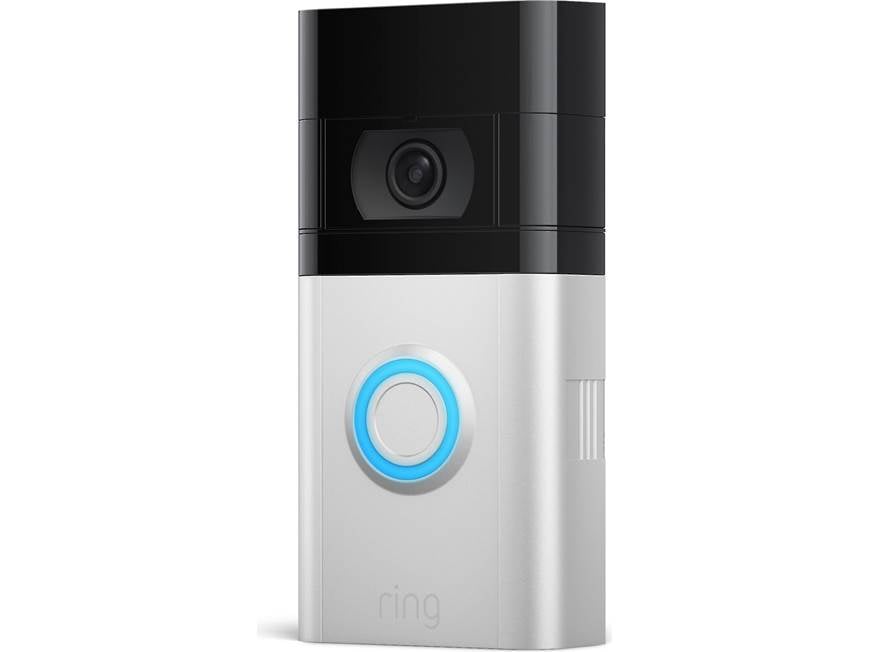
Best Video Doorbell: Ring Video Doorbell Pro 2
See who's at your door from anywhere with sharp 1536p video, head-to-toe view, and 3D motion detection that shows exactly where visitors approached from.
Best Outdoor Camera: Arlo Ultra 2
4K video, color night vision, and IP65 weather resistance make the Arlo Ultra 2 ideal for monitoring your property's exterior.
Key Features Explained
Video Resolution
- 1080p (Full HD): Standard quality, adequate for most uses
- 2K (1440p-1536p): Sharper details, better digital zoom
- 4K (2160p): Maximum detail, requires more storage/bandwidth
Our recommendation: 2K offers the best balance of quality and practicality for most homes.
Night Vision
- Infrared (black & white): Works in complete darkness, limited detail
- Color night vision: Requires some ambient light or spotlight, much better for identification
Our recommendation: Color night vision with spotlight is worth the upgrade for outdoor cameras.
AI Detection Features
Advanced cameras use AI to reduce false alerts:
- Person detection: Alerts only when humans are detected
- Vehicle detection: Useful for driveway cameras
- Package detection: Alerts when deliveries arrive
- Pet detection: Identifies your furry friends
- Facial recognition: Identifies known people (Arlo premium)
Power Options
- Wired (plug-in): Unlimited power, no battery concerns, limited placement
- Battery: Flexible placement, needs periodic recharging
- Solar: Battery + solar panel for indefinite operation outdoors
- PoE (Power over Ethernet): Professional-grade, data and power over one cable
Understanding Subscription Costs
Most security cameras require subscriptions for full functionality. Here's what you typically get:
Free Tier (what you get without paying)
- Live view streaming
- Motion notifications
- Two-way talk
Paid Tier (what subscriptions add)
- Video recording and history (7-60 days)
- AI detection features
- Person/package/vehicle alerts
- Sharing with family members
- Professional monitoring (premium tiers)
Annual Costs Comparison
- Ring Protect Basic: $39.99/year (1 camera)
- Ring Protect Plus: $100/year (unlimited cameras)
- Arlo Secure: $99.99/year (1 camera)
- Arlo Secure Plus: $179.99/year (unlimited cameras)
Privacy Considerations
Security cameras capture footage of your home and family. Consider:
- Local vs cloud storage: Local storage keeps footage on your property
- End-to-end encryption: Prevents anyone (including the company) from viewing footage
- Privacy zones: Block certain areas from recording
- Physical privacy covers: Physically block the lens when not needed
Installation Tips
- Height: Mount cameras 8-10 feet high for optimal coverage
- Angle: Point slightly downward to capture faces
- Lighting: Consider existing light sources for night vision
- Wi-Fi: Ensure strong signal where cameras are placed
- Legal: Check local laws about recording audio and neighbors' property
Our Recommendations by Use Case
- Alexa households on a budget: Ring Indoor Cam Plus
- Apple HomeKit users: Arlo Pro 5S
- Maximum video quality: Arlo Ultra 2 (4K)
- Front door monitoring: Ring Video Doorbell Pro 2
- Multi-camera setups: Ring (cheaper subscriptions)
- Privacy-focused: Cameras with local storage options
Final Thoughts
The best security camera depends on your existing smart home ecosystem, budget, and specific needs. For most Alexa households, Ring offers the best value with affordable cameras and subscriptions. For those who want the best video quality and broadest compatibility, Arlo justifies its premium pricing.
Whatever you choose, even a basic security camera provides peace of mind. Start with your most vulnerable entry points—typically the front door and any ground-floor access—then expand as needed.
Related Product Reviews
You Might Also Like
Related Reviews



Get our free weekly deals roundup
Hand-picked tech deals, price-drop alerts, and buying guides — every week. No spam, unsubscribe anytime.